 Example AI character
Lara · Customer
The undecided customer
“I like it, but it's more than I wanted to spend.”
Tests selling without discounting
Frontline teams
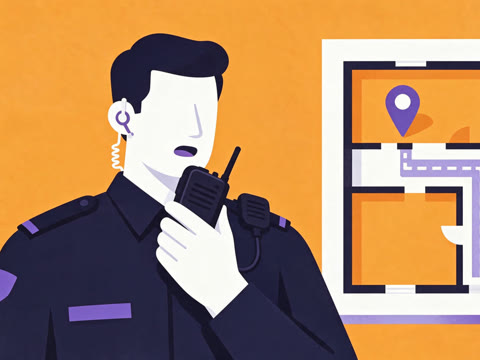
Your team rehearses the sale, the complaint and the customer who won't calm down with AI characters who answer back. Five minutes at a time, before it happens on shift.


“Hi Sam. You're on the counter today. Three customers, five minutes. Ready?”
What they rehearse
Revenue you can rehearse.
The conversations customers remember.
Your way, every time.
For the day it goes wrong.
Examples only. The list is as long as your playbook.
Every scenario is built from your own procedures, so yours will not look like anyone else's.
The cast
AI characters play whoever the moment calls for. They listen, push back and change tack depending on what your team member says.
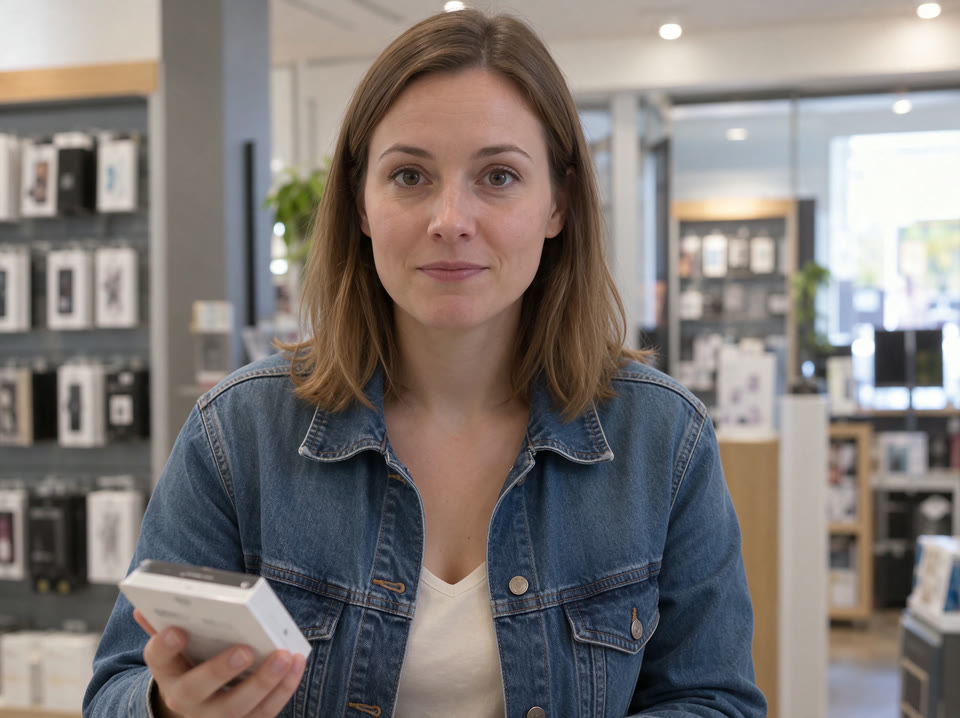
Example AI characterLara · Customer
“I like it, but it's more than I wanted to spend.”
Tests selling without discounting
 Example AI character
Chris · Customer
“I don't care about your policy. I want my money back.”
Tests de-escalation
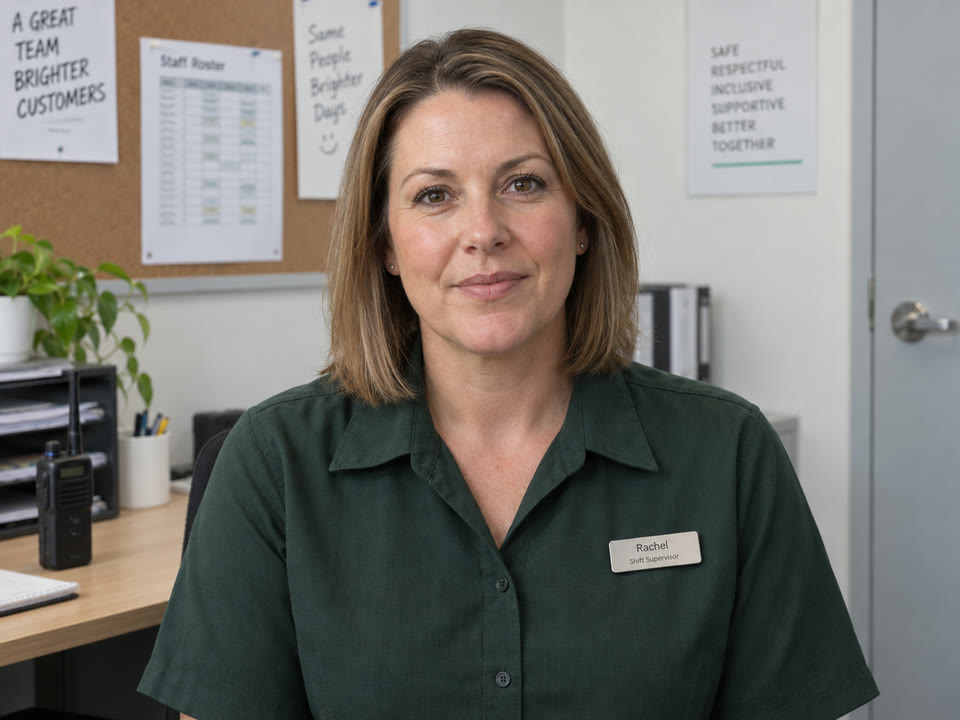 Example AI character
Rachel · Shift supervisor
“I heard there was a scene at the counter. Talk me through it.”
Tests handover and reporting
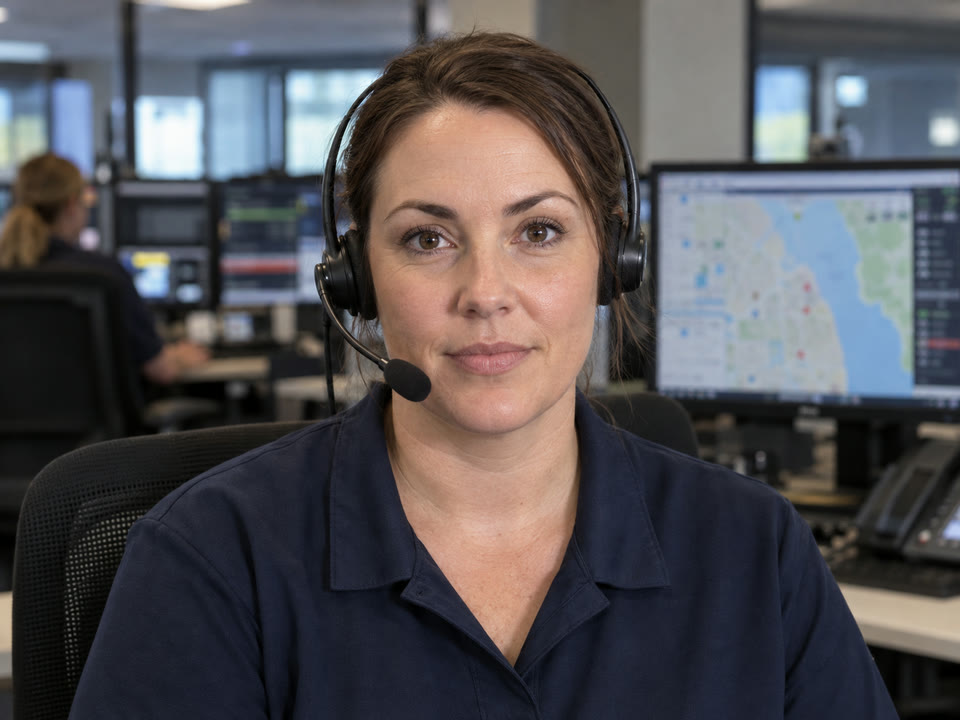 Example AI character
Taylor · Emergency operator
“Emergency services. What's the address, and is anyone hurt?”
Tests staying calm and clear
In session
In trainer mode Holly stops the scene, says what she heard and has them try again. Every session ends with a report measured against your procedure.
Lara“I'll just take the phone, thanks.”
Sam“No worries. Did you want a case with that?”
Holly · trainerThat was a yes-or-no question, and you got a no. Ask how she'll use it, then recommend one thing that fits.
Session report
Add-on sale
Sam · Team member
Partially meets your sales standard
Policy alignment
Coaching
Formats
One person, one scenario, before a shift or between customers.


The shift team works one incident together, each in their own role.
Proof
Every person, store and region rated Strong, Capable, Developing or At risk. See who needs another run, and on what.

Priya
Store manager
Strong
Emma
Team member
Capable
Sam
Team member
Developing
Marcus
Support
At riskStore readiness
Capable
Up from Developing
People, sites and ratings shown on this page are illustrative.
No. Most frontline programs mix sales, service and procedure scenarios with the safety ones. The same five minutes works for all of them.
Any device with a browser: the back-office computer, a shared tablet or a phone. There is nothing to install.
No. They are generated from your procedures and service standards, and you edit anything you want to change. We build the first set with you.
Bring one procedure to the demo and we'll show you the simulation it becomes.